To transcribe and edit an interview, you record with consent, run the audio through a transcription tool or your own ears to get a first draft, then edit that draft in a fixed order: format, grammar, structure, verification. Sixty minutes of clean audio takes AI a few minutes and a human typist roughly four to six hours, so the editing stage is where the real work sits.
An interview transcript is a speaker-labelled written record of what was said, produced either by a person typing from audio or by an AI tool, then cleaned up and formatted for reading, quoting, publishing or research.
That distinction matters more than it sounds. A transcript that is accurate but unreadable gets skimmed. A transcript that reads well but changes what somebody said gets you a correction email, or worse.
Table of Contents
- What You Need
- Step-by-Step: How to Transcribe and Edit an Interview
- 1. Prepare the recording and define the transcript format
- 2. Transcribe the recording accurately
- 3. Complete a first-pass accuracy check
- 4. How to edit a transcript without changing the speaker’s voice
- 5. Format the transcript for its intended use
- 6. Proofread and verify the final transcript
- Common Mistakes and How to Fix Them
- Over-editing until the speaker sounds like a press release
- Mislabelling speakers
- Losing the question that made an answer make sense
- Publishing quotes nobody verified against the audio
- Trusting auto-diarization with proper nouns
- Editing the same document for six hours straight
- Tips for a Clean, Publication-Ready Interview Transcript
- Frequently Asked Questions
- Can ChatGPT transcribe an interview?
- What is the easiest way to transcribe an interview?
- Should I correct grammar in a verbatim interview transcript?
- How long does it take to transcribe one hour of audio?
- How should a transcript be formatted?
- Is it legal to record an interview without telling the person?
- Conclusion
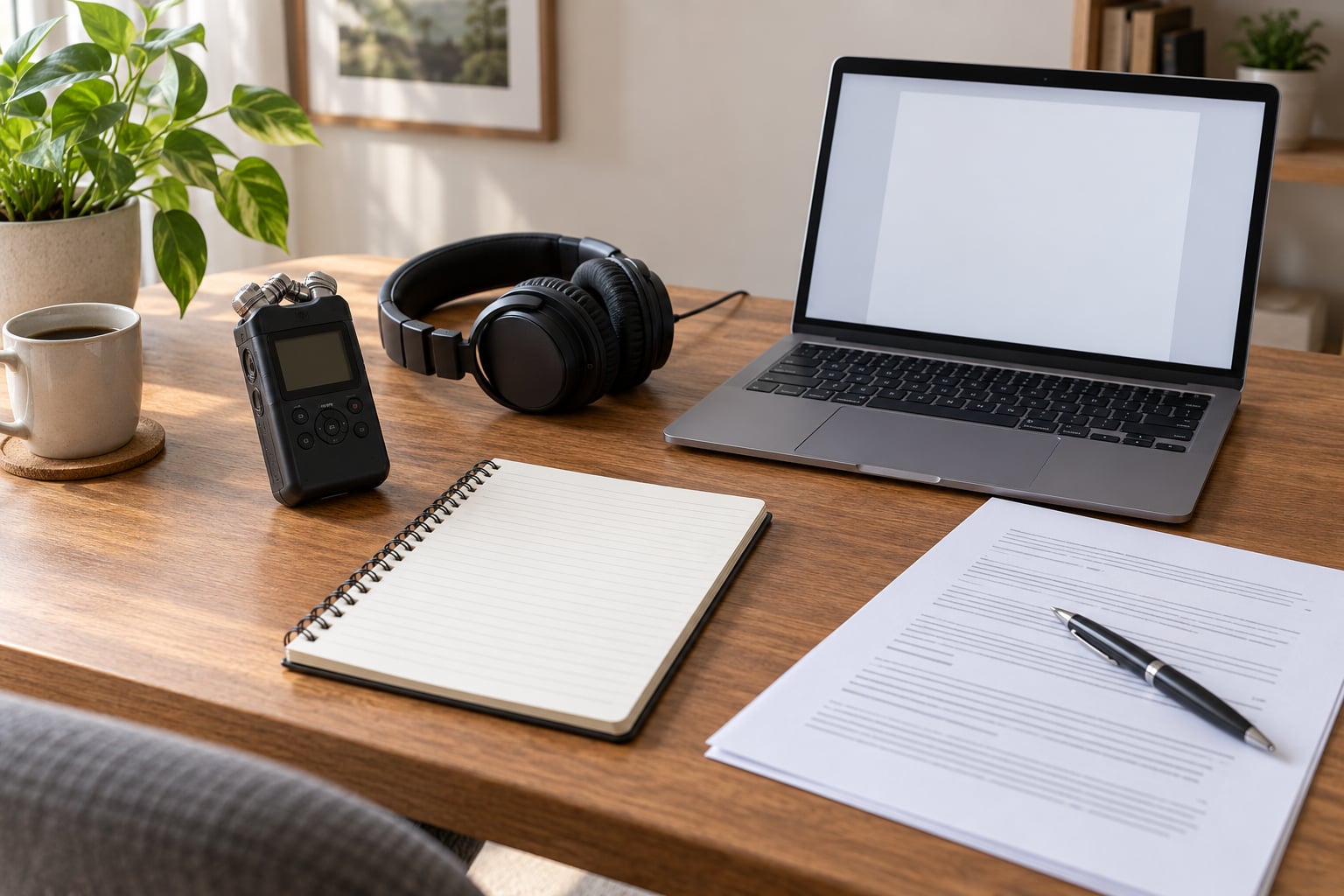
What You Need
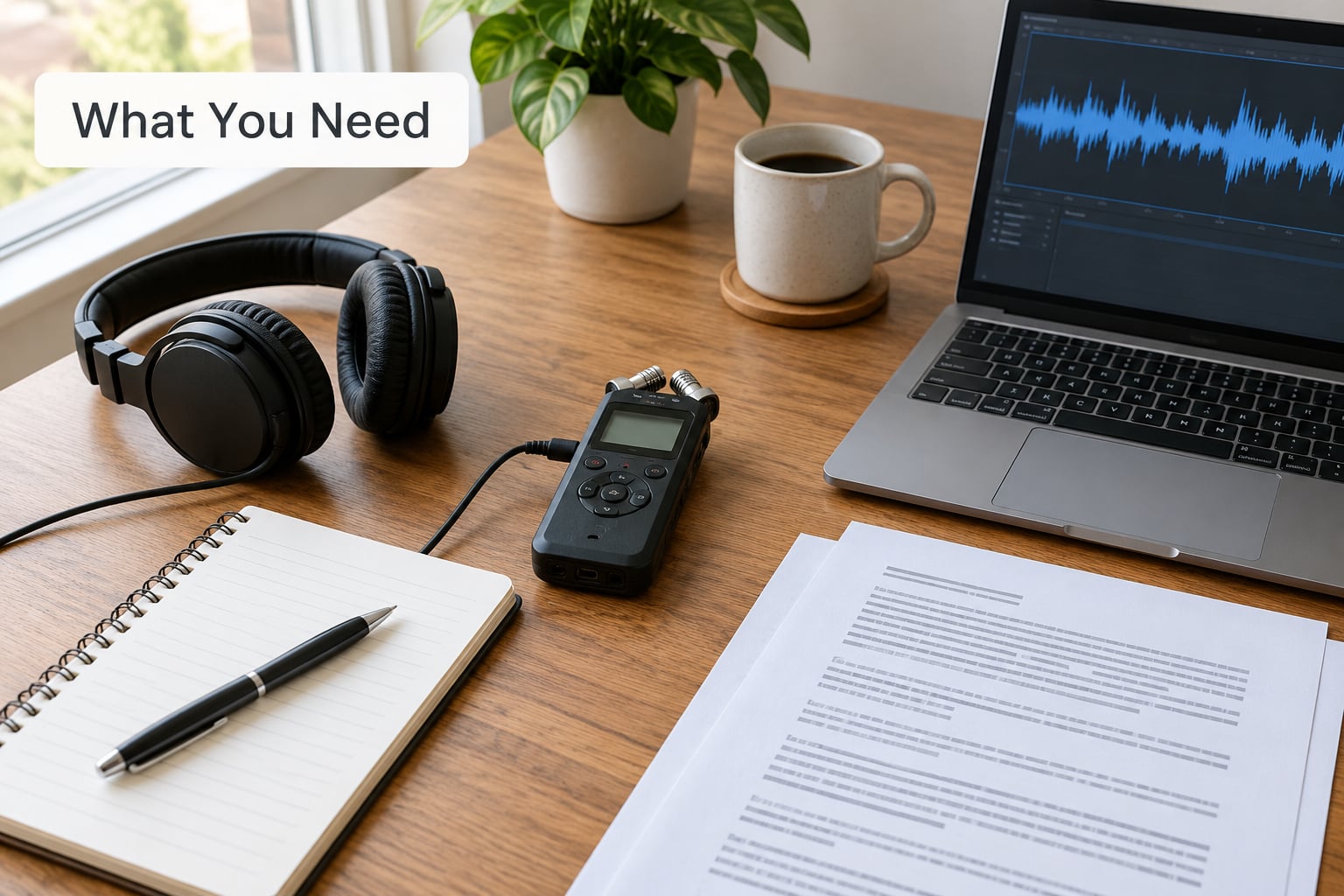
Four things, and only one of them is expensive.
- The recording. Two copies in different places before you do anything else. One on the recorder, one uploaded somewhere you can reach from another machine.
- A transcription method. AI software, a human service, or your own keyboard. All three work; they trade speed against accuracy in predictable ways.
- A word processor with audio. Something that can play the recording while you read the text, ideally synced so you can click a sentence and hear it. Scrubbing back and forth by hand is the single biggest time sink in this job.
- A style sheet for the job. Even a one-page note about speaker labels, timestamps and which brackets you use. Decide it once and stick to it.
Tools named constantly in this space include Whisper, Otter, Rev, Reduct, Temi and Trint. All of them handle clear audio and a single speaker well. All of them struggle with the same three things: proper nouns, jargon, and overlapping speech. Plan your time assuming you will fix names by hand.
| Method | Speed for 1 hour of audio | Accuracy | Best for |
|---|---|---|---|
| AI transcription | 3 to 10 minutes | Good on clean single-speaker audio; unreliable on names and jargon | Drafts, podcasts, first passes on any volume |
| Human transcription service | 4 to 8 hours turnaround | High, especially with a glossary supplied | Legal, medical, executive and research interviews where accuracy is contractual |
| Manual typing | 4 to 6 hours of your own time | As high as your typing, and you catch tone as you go | Short interviews, distinctive speakers, learning the craft |
One free workaround keeps surfacing in podcasting forums: upload the audio as a private, unlisted video and use the platform’s auto-transcript, then edit. It costs nothing and the quality on clear speech is serviceable. Delete the video once you have the text.
Step-by-Step: How to Transcribe and Edit an Interview
1. Prepare the recording and define the transcript format
Before the first word gets typed, back up the audio and write down what this transcript has to do. A transcript for a magazine profile, a transcript for a dissertation appendix and a transcript for a podcast episode need almost nothing in common.
Build a speaker list first: full name, role, and the initial or short form you will use after the first mention. In a three-person conversation this takes two minutes and saves you an hour of hunting through “Speaker 2” later.
Then pick your style, because it changes every decision that follows.
| Verbatim | Clean verbatim | |
|---|---|---|
| Filler words | Kept in full: um, uh, like, you know | Removed |
| False starts | Kept | Cut |
| Repetition | Kept | Reduced, unless it carries emphasis |
| Grammar | Left as spoken, punctuation added for reading | Corrected lightly so the sentence parses |
| Nonverbal sound | Recorded: [laughs], [pause], [inaudible] | Recorded only when meaning changes |
| Use it for | Oral history, legal, research data, anything quoted later | Publication, show notes, blog posts, video scripts |
Set the punctuation conventions while you are at it. The common ones: use an ellipsis for a skipped word, square brackets for a transcriber’s note, and never a comma to join two unrelated fragments in a clean verbatim.
2. Transcribe the recording accurately
Work in short sections. Five to ten minutes of audio at a time, and stop at a natural break rather than a fixed clock. Long stretches without a pause are where attention drops and errors creep in.
Start each speaker turn on a new line, use the initial you defined, and type a timestamp at least every five minutes. Timestamps are what let a source, an editor or your future self find the exact sentence in the audio later.
Mark what you cannot hear rather than guessing. [inaudible] and [unclear: probable term] are honest and traceable; an invented word is neither. If a name matters and you cannot place it, write [surname unclear] and resolve it against your pre-interview notes.
Capture tone without transcribing every noise. A long pause before an answer, a laugh that undercuts a serious claim, a shift into a different register: those carry meaning. A door closing does not.
3. Complete a first-pass accuracy check
Do this before you touch style, and do it with the audio playing. Once you start smoothing sentences, errors hide inside the smoothing.
Check names, job titles, company names, dates, numbers and technical terms first. These are the highest-risk items because an AI draft gets them confidently wrong and because they are the details a subject will notice.
Then check attribution. Read each line against the audio and confirm the label is right. Speakers cross over constantly in a conversational interview, and a swapped attribution in a published quote is a genuine problem.
Finally, compare the draft with the recording in one pass at faster playback. You are listening for missing stretches, not for style.
4. How to edit a transcript without changing the speaker’s voice
This is where most transcripts get worse, not better. Over-editing produces a piece that is smooth, grammatical and no longer sounds like a human being talked.
Cut the mechanical noise. Filler words, stutters on the first syllable, repeated words, and false starts that lead nowhere all go. When a speaker says “the the reason I left was the deadline,” you write “the reason I left was the deadline.”
Keep the load-bearing words. Odd phrasing, a repeated noun that shows emphasis, an incomplete sentence that trails off, a pause that lets the point land: these are voice. Deleting them makes a speaker sound smoother and less interesting, and it is the point where editing turns into rewriting.
Tighten structure without rewriting sentences. Long interviews loop. The same point arrives at minute four, minute nineteen and minute forty-one, slightly differently each time. Pick the best version, cut the other two, and keep a note of where each survivor came from.
Stitching quotes from different parts of the interview is standard practice in journalism, and it is the point of a transcript. Two rules keep it honest: never join two fragments that contradict each other or change the sequence of events, and never make a speaker’s answer follow a question they were not asked.
Some transcripters and writers send the edited version back to the subject for a read-through. It is a small courtesy, and it catches things you cannot hear.
5. Format the transcript for its intended use
Formatting is where a draft turns into a document somebody can use.
Use full names on first appearance, then initials or short forms. Break paragraphs at a change of topic, not at a change of speaker alone. Keep each speaker turn to a readable block rather than one line per sentence. Put timestamps in the margin or at the start of the line, consistently, and never mix styles.
For academic work, APA 7th edition sets out the expected conventions: a title and the speaker’s name on the first page, an italicised label for each speaker, and a bracketed transcriber’s note for anything editorial. Chicago and AP differ on labelling and on how they handle in-text quotation of an interview, so check the guide your institution or publication actually uses rather than assuming.
Match the export to the destination. DOCX or PDF for editors, reviewers and archives. TXT or Markdown for search and analysis work. SRT or VTT for video captions, which need strict timing and no speaker labels in the text layer.
A copy-ready template, if you want a starting point:
INTERVIEW TRANSCRIPT
Project / Topic:
Date and location:
Duration:
Interviewer:
Interviewee:
Transcript style: verbatim / clean verbatim
Transcribed by / date:

[00:00]
INT: Opening question.

[04:12]
DR. NAME: Answer, with [inaudible] where speech is unclear and [pause] where the silence means something.
6. Proofread and verify the final transcript
Final pass, and it is a checklist rather than a read-through:
- Every name, title and number checked against the recording one last time.
- Every quotation you plan to publish matched word for word with the audio, including the quote marks and the ellipsis.
- Speaker labels consistent throughout, including the places where two people talked over each other.
- Consistent brackets, timestamps and file naming.
- Consent and permission on file, plus whatever handling instructions came with it.
- Unsensitive details removed from any copy that leaves your machine.
Deliver the final file plus the rough version if the transcript will be quoted. Editors and fact-checkers want to see what was removed, and a record of the edits protects you if a subject disputes a quote weeks later.
Common Mistakes and How to Fix Them
Over-editing until the speaker sounds like a press release
The fix is a rule you write down before you start: you may remove disfluency, never diction. If the speaker said “gave a damn,” that stays. If the speaker said “really made an effort,” that stays too, awkward as it reads.
Mislabelling speakers
Auto-diarization guesses, and on overlapping speech it guesses wrong. Fix it by voice and by content in the accuracy pass, then confirm with a full playback. In a final transcript, use [inaudible] for an unattributable remark rather than guessing a name.
Losing the question that made an answer make sense
Condensing an interview often strips the setup and leaves an answer floating. Decide in advance whether questions appear in the published version, and if they do, keep them short and cut the rambling preamble rather than the question itself.
Publishing quotes nobody verified against the audio
Verify every quote character by character before it ships. This is the number one complaint in writing forums about AI-assisted transcripts, and it is entirely avoidable. Treat every pull-quote as a separate verification task, not a copy-paste from your draft.
Trusting auto-diarization with proper nouns
Personal names, company names, product names and any jargon are the first casualties of automated transcription. Keep a glossary of expected names before you start and search for each one in the draft. Getting them wrong is the fastest way to lose a subject’s trust.
Editing the same document for six hours straight
A common working method among freelance writers is to transcribe the whole interview, take a short break, then re-read with fresh ears. Fatigue hides more errors than carelessness does, and the break costs ten minutes.
Tips for a Clean, Publication-Ready Interview Transcript
Keep the rough transcript. The edited version is the deliverable; the raw version is your evidence. Store them together, dated, and never overwrite one with the other.
Write a glossary before you start and keep it beside you. Names, companies, product terms, local references: a two-minute list up front prevents thirty minutes of hunting later.
Use consistent terminology across the whole transcript. If you introduce a concept in italics, keep it italicised every time, and do not alternate between a term and its synonym in the same passage.
Handle sensitive material deliberately. Interviews with anonymous or protected sources should be stored somewhere access-controlled, with identifying details stripped from any working copy. If the recording is the only evidence of what was said, say so in a header note.
Disclose the method when it matters. Readers and subjects both respond better to a transcript that states whether it was machine-generated, human-typed, or generated and then edited by a person.
Finally, think about what the transcript becomes next. Quotes, pull-outs, show notes, video captions, a research codebook: the finished document is usually raw material for at least three other things, and keeping it clean makes all of them faster.
Frequently Asked Questions
Can ChatGPT transcribe an interview?
General-purpose chatbots can work with an uploaded audio or video file and return a text transcript, but they are built for conversation, not transcription. You will get long passages to reformat, no reliable speaker labels, and no timestamp you can trust. Dedicated transcription tools are faster and far more accurate on audio. Either way, the output is a draft that needs a human accuracy pass.
What is the easiest way to transcribe an interview?
Upload the recording to a dedicated transcription tool, let it generate a first draft, then open the draft in an editor that plays the audio alongside the text. That combination is the fastest route by a wide margin. Work in five to ten minute sections and check every proper noun by hand, because names and jargon are where automation fails most often.
Should I correct grammar in a verbatim interview transcript?
A strict verbatim transcript keeps the grammar as spoken; you add punctuation only so it can be read. A clean verbatim transcript corrects enough grammar for the sentence to parse, while keeping the speaker’s word choices intact. Pick one style before you start and hold to it. Mixing the two mid-document makes the transcript unusable as a record.
How long does it take to transcribe one hour of audio?
AI tools return an hour of audio in roughly three to ten minutes. A human typist working at normal speed needs four to six hours, and a human transcription service usually turns a job around in four to eight hours. Add another hour or two for the accuracy and editing passes, which is the stage most people underestimate.
How should a transcript be formatted?
Label every speaker turn, use full names on first appearance and initials after that, break paragraphs at topic changes, and put timestamps at regular intervals. Bracket anything editorial, including inaudible sections and nonverbal sound. Keep the conventions identical across every file in the project, because inconsistency is what makes a transcript hard to cite later.
Is it legal to record an interview without telling the person?
It depends on where you are. Some jurisdictions need every party to consent before recording, others need only one participant to agree, and a few have no specific rule. Consent is not just legal anyway: a subject who knows they are being recorded usually talks better and is far more willing to let you publish quotes. Say it out loud before you press record.
Conclusion
Knowing how to transcribe and edit an interview is mostly discipline about order. Get the recording backed up and the style chosen before you type a word, produce a first draft fast, run the accuracy pass with the audio playing, and only then edit for readability. Formatting and export come last, and the rough copy gets kept alongside the final one.
Start with those three things today: back up the file, decide verbatim or clean verbatim, and schedule the accuracy pass. Everything else gets easier once those are settled.